

How adults can limit Spotify
Spotify isn't just a music player anymore, but it's possible to limit videos, block explicit tracks, and overall have more control over the app, depending on your approach.


If you've wondered if it's possible to limit the Spotify app and reduce distractions, there are several options you can consider. Several features can be disabled from the app using a combination of approaches.
This guide will help recommend several options that convert Spotify back into a standard music player, without the additional distractions, short-form videos , or eye-catching album art.
Adults who block explicit content in all forms can use a combination of changes to Spotify’s settings and network-level rules to restrict the app. We recommend starting with features on Spotify and moving to more advanced approaches (such as blocking album art images or Canvas/videos).
Disable Features on Spotify
For adults, there are several features that can be disabled on the Spotify app, although if you're self-managing your own Spotify account, it is technically possible for you to revert those changes later.
First, open the settings page on the Spotify app by selecting your profile picture and selecting Settings and Privacy. You should see a screen like this:
Block Images and Videos on Spotify
Video content can be disabled directly from the Spotify app, although if you are an adult who manages your own Spotify account, this change could be undone later. Do this by navigating to Content and display and disable Canvas (we also recommend disallowing explicit content):
You can take it a step further and switch Data Saver Settings to Audio only:
If you’re an adult, we have a dedicated guide available for blocking images and videos in Spotify that covers a few more robust options. These options can be enabled in such a way that it requires significantly more time and effort to disable, and this is often critical for adults who are self-managing their own devices.
If images are blocked using a DNS-based content filter, this is what Spotify will look like:
Disable Explicit content on Spotify
Spotify automatically marks certain artists and songs as “explicit”, and this content can be restricted so you can’t play these kinds of songs, podcasts, audiobooks, etc.
Set Privacy Settings to hide your Spotify Profile
Spotify is in the process of modernizing itself so it functions more like a social media app. Depending on your preferences and goals, you might find it’s a good idea to convert your Spotify profile into a private profile that can’t be discovered by others.
Limit Spotify with a Content Policy
There are situations where you might want to limit Spotify as a platform instead of relying on restrictions found in the app. For example, you might want to block images and videos on Spotify for all devices at home, or you might want to block Spotify’s internet connection at certain times of the day.
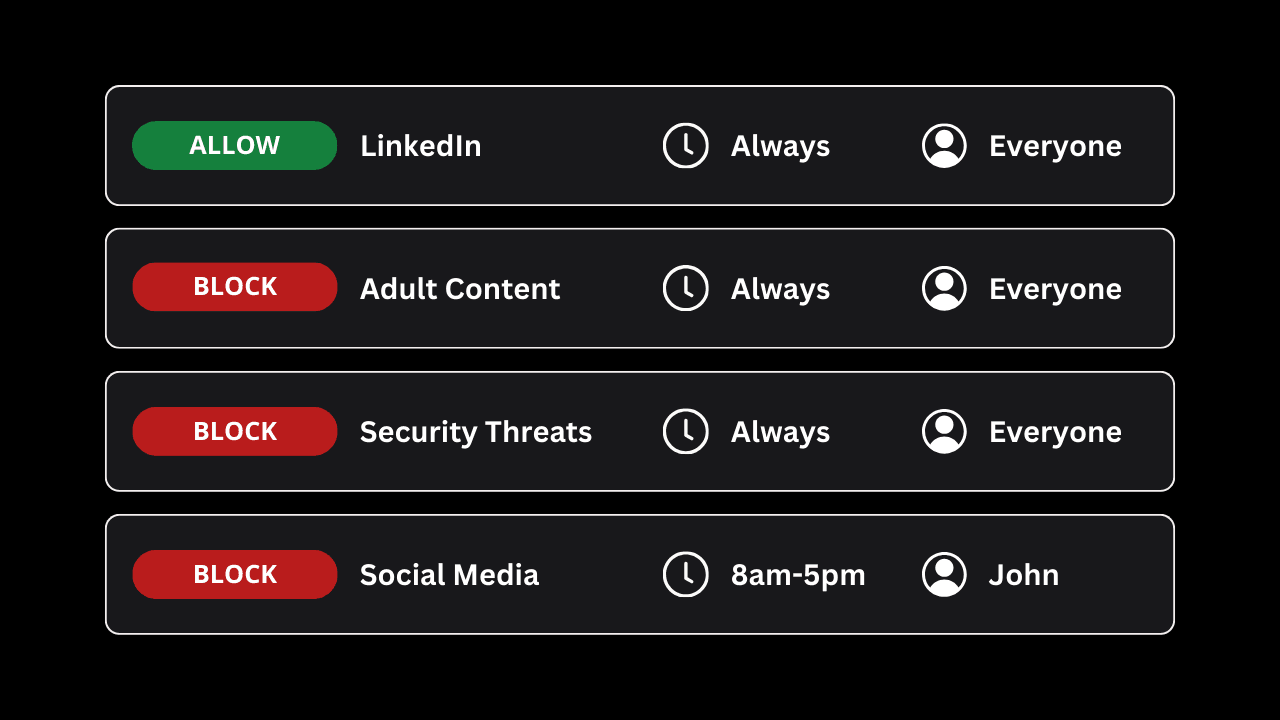
If you’re using Tech Lockdown’s Content Policy to filter adult content on your own devices, you can use a scheduled rule to limit Spotify like this:
Or, consider enabling an Internet Downtime rule to block all websites and disable apps at certain times of the day (for example, at night).
Limit Spotify with Screen Time or Parental Controls
Additionally, adults can use Screen Time (if they are using an iPhone, iPad, or Mac computer) or parental controls options to limit the Spotify app or website.
On iPhones (or Mac computers), you can use Screen Time to set a limit for the Spotify app for 0 minutes each day:
This will have the same effect as blocking the app, although we recommend different approaches if you're an adult trying to block apps on iPhone .
Block the Spotify website
If you're using an Apple device (iPhone or Mac), Screen Time also allows adults to block the Spotify website, although this can be disabled later.
This is a good way to prevent yourself from being able to bypass any app limits you’ve set for the app; however, we recommend considering more reliable options for blocking websites on iPhone instead of Screen Time.
On Mac, you can also consider using the Hosts file to block websites directly on the device. If you're a parent setting up a child's Spotify, see our parent's guide to Spotify instead.