

How to Block Kalshi on iPhones
Both the Kalshi app and website need to blocked on iPhones, and it's possible to use an approach that can't be easily disabled.


If you’re trying to block the Kalshi app on an iPhone or iPad, chances are you want to be thorough, and you’d like to ensure you can’t unblock Kalshi easily. Most of the traditional approaches, like Screen Time or app blockers, only account for part of the problem, are too easy to disable, and often don’t make sense for gambling platforms in general. Fortunately, there are reliable alternatives that are much more difficult to disable, even on iPhones.
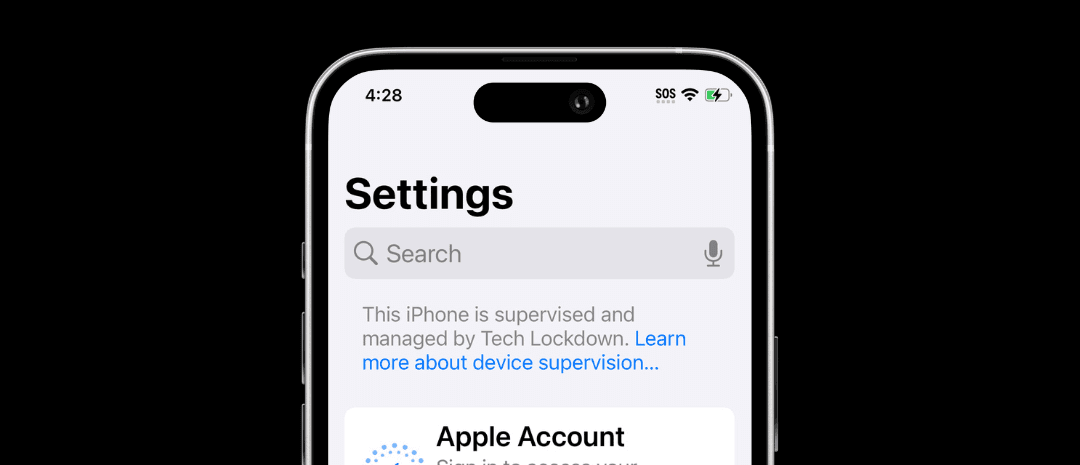
The best approach to block gambling apps and websites on iPhones is to first enable supervised mode, as this is a powerful alternative to Screen Time that is much better suited for adults who need to permanently block access to a specific app or website.
Block the Kalshi app
Kalshi can be blocked by many of the same methods that work to block gambling apps on iPhone . Instead of downloading an app blocker that can be disabled, Supervised Mode can be used to block apps directly in two modes:
- App allowlist mode, which basically blocks all apps except for a small list of apps you specifically allow
- App blocklist mode, which can prevent certain apps from being opened only
If you’re just trying to block the Kalshi app, it may be enough to create an app blocklist. For example, using Tech Lockdown’s Config Generator , you can install a Config File that can’t be removed because your iPhone is supervised:
However, in some cases, you might want to block more than just the Kalshi app. Instead of making a giant list of gambling apps, a better idea is to make a smaller list of apps that you want to be allowed instead:
That way, the only way to add more apps requires you to first unlock your profile on Tech Lockdown, which might require you to wait for a delay or get help from an accountability partner.
Block the Kalshi website on all web browsers
In addition to the Kalshi app, it’s also important to block the website version.
One approach is to block gambling websites altogether on your iPhone (which is the most effective approach). You need to go beyond Screen Time and block websites in such a way that it’s not possible to easily turn it off later.
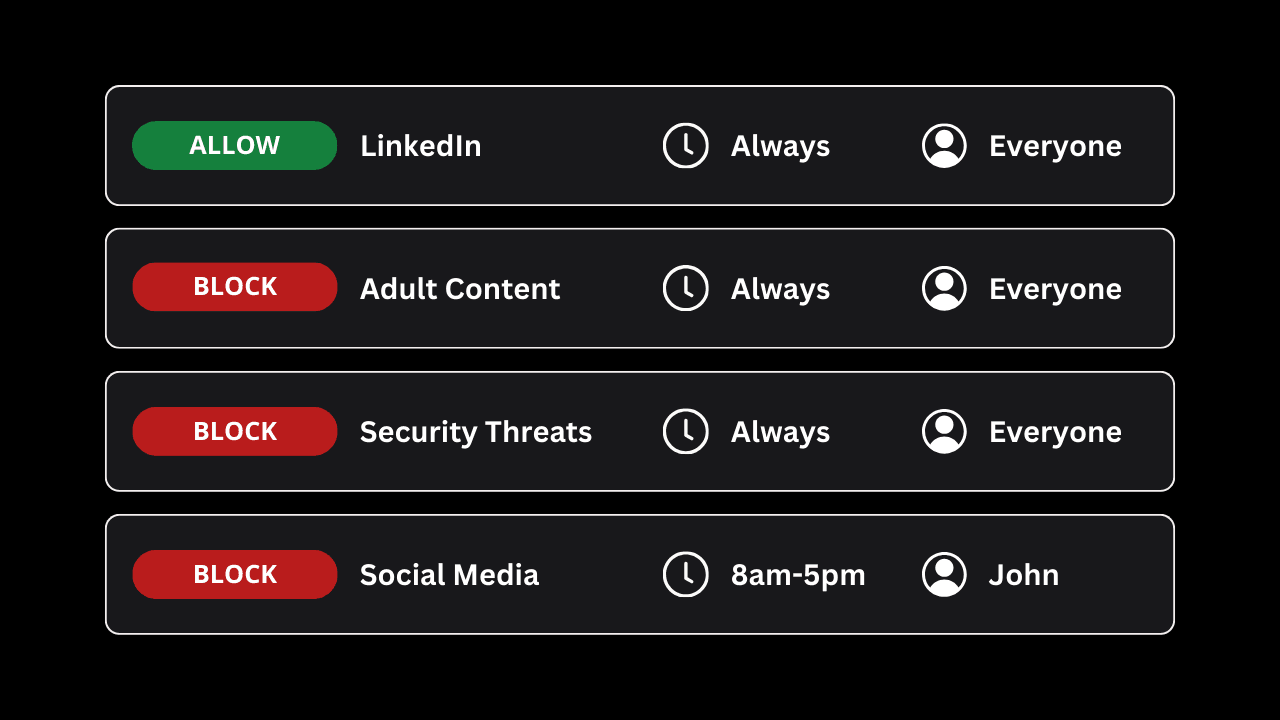
If you’re a Tech Lockdown member, then you can create a DNS Content Policy for your iPhone that blocks thousands of websites that fit under the gambling category, as well as both the Kalshi website and App directly.
First, add the Kalshi app to a block rule on your Content Policy by searching for it:
This should block most of the services used by the Kalshi app, so it will behave like your iPhone’s not connected to the internet.
Then, add both “kalshi.com” and “www.kalshi.com” to the web address section:
Your final rule might look something like this to block the gambling category and the Kalshi app specifically:
This should block the main website on your iPhone.
Sign up for Voluntary Self-Exclusion on Kalshi’s website
Kalshi has a Voluntary Self-Exclusion program that can disable your account or prevent you from creating a new account.
This won’t block the Kalshi website and app on your devices, but it can sometimes be enough of a deterrent to prevent using the platform if you can't log in or create an account.