

Can Canopy identify suspicious accounts on social media if a child is using an iPhone?
If your child is using an iPhone, Canopy has a limited ability to monitor information on Snapchat, Instagram, or other social media apps. Parents must consider alternatives to identify suspicious accounts.


If you are trying to monitor social media apps on your child's iPhone to identify suspicious accounts or profiles communicating with your child, you might have considered Canopy. Canopy can monitor some activity on iPhones, but it can't monitor all activity on social media that can reveal suspicious accounts to parents, like dubious friend requests or the contents of private messages sent to your child. Some alternatives to Canopy use a different monitoring approach on iOS that ensures all social media apps can be monitored, and this is the best way for parents to identify suspicious activity on their child's iOS device.
The only foolproof way to monitor a kid's iPhone and identify suspicious accounts on social media is to use a monitoring app that records the entire screen.
Fortunately, some apps like LivingRoom use screenshot-based monitoring and can capture all kinds of activity on social media apps. It goes beyond what's typically possible with parental controls, and parents can combine traditional parental controls with monitoring to set restrictions on content for their child, disable problematic features, and identify suspicious activity and messages.
Alternatives to Canopy that monitor a child's entire iPhone
There are a few parental control apps, like the LivingRoom app for Families , that capture all activity on an iPhone by periodically capturing screenshots of your child or teen's entire screen. A parent can review these screenshots to see activity from their teen's iPhone.
With screenshot monitoring, you can see all activity on the iPhone, including private messages from social media apps, friend requests sent to your child or teen, and much more.
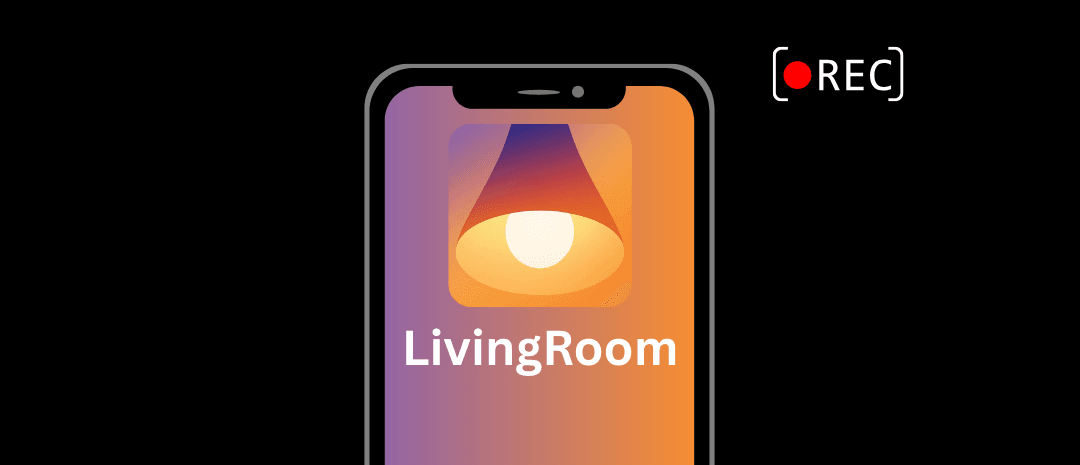
Social media apps can be completely blocked until your teen re-enables the screen recorder, and this encourages your teen to use social media responsibly each time they use their iPhone. They'll even see an icon like this on their iPhone while it's active:
Additionally, parents can enable parental controls on their child's or teen's iPhone to restrict access to certain apps. Some social media apps also have parental controls you can enable by linking your own account to your child's, and this can give you (as the parent) some information about your child's activity.
See our dedicated parents' guide for iPhone for our complete walkthrough.
Unfortunately, if you decide to use parental controls only, you often don't have access to detailed information about your child's activity. Also see how Qustodio compares for identifying suspicious social media accounts .