

How to Monitor Instagram on a Child's iPhone or iPad
Monitor all Snapchat activity, including disappearing messages, snaps, stories your child views, and who they are interacting with.


If you're a parent who wants to ensure that your child is using Instagram safely, you might have wondered if it's possible to monitor your child's activity on Instagram effectively on an iPhone. The Instagram app does allow parents to keep track of some basic activity, such as who has recently contacted your child or is listed as a contact; however, it doesn't track some activity that parents may find valuable, like the content of private messages sent to your child. Some alternative approaches can capture this activity in a way that parents can review later, and even proactively block explicit content that your child may be exposed to.
Instagram does have parental controls, but parents only have access to very basic information and controls over their child's Instagram account. The only effective way to fully monitor the content of private messages if your child is using an iPhone is to use a screen monitoring app.
Monitor private messages sent to your child on Instagram
If your teen is using an iPhone, use a screen monitoring app like LivingRoom for Families to capture screenshots that you (as the parent) can review later.
LivingRoom for Families is an effective app for monitoring a child's iPhone or iPad that can capture all activity on the Instagram app. It goes beyond conventional parental controls and can even alert parents if their child is exposed to sensitive content .
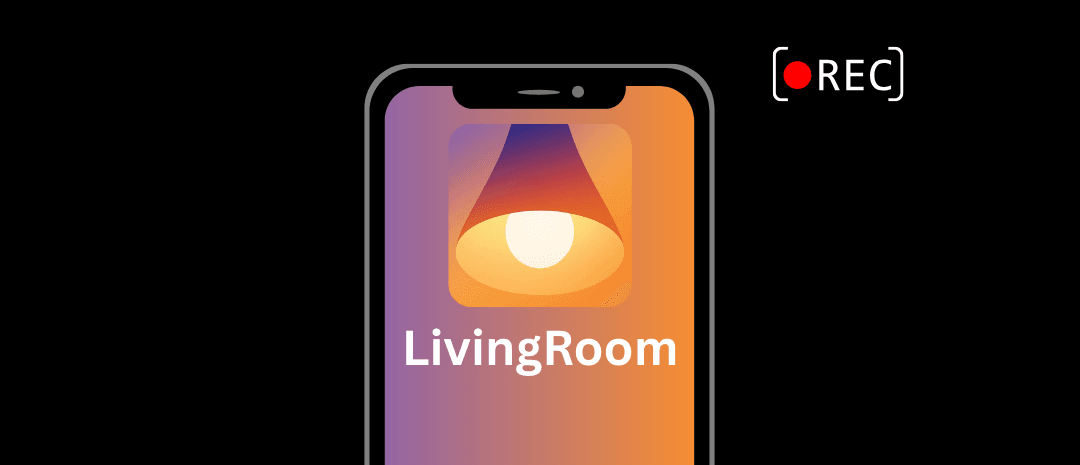
Using this approach, parents can capture the content of private messages, friend requests, and other activity on their child's iPhone. By default, LivingRoom for Families blocks Instagram until the screen recording is enabled. This encourages your child or teen to use Instagram safely each time they use it. There is also a very clear recording indicator on your child's iPhone while their screen is monitored:
Use Instagram Account Supervision to monitor some activity on your child's Instagram account
Parents can also enable Account Supervision on their child's Instagram account to set limits on who can send friend requests or set daily limits for the Instagram app. This requires you and your child to each have your own Instagram accounts.
Unfortunately, this method alone is relatively easy for your child to disable, as they can leave account supervision at any time. It also can't prevent your child from creating additional Instagram profiles and accounts. We strongly recommend using screen monitoring to effectively monitor activity instead.
See our parents' guide to Instagram for a full walkthrough on setting up account supervision. Also see how Bark compares for Instagram monitoring .