

Disable iMessage GIFs
How to block GIFs in iMessage on iPhones and iPads
Apple includes a built-in GIF feature on the iMessage app, and this can be blocked on iPhones, iPads, and even Mac computers.


If you're a parent who wants to block any sources of potential adult content for your child, you might have considered blocking GIFs on iMessage. Fortunately, it is still possible to hide GIFs and prevent them from presenting a problem.
Choosing an Effective Blocking Approach for Adult Content in iMessage GIFs
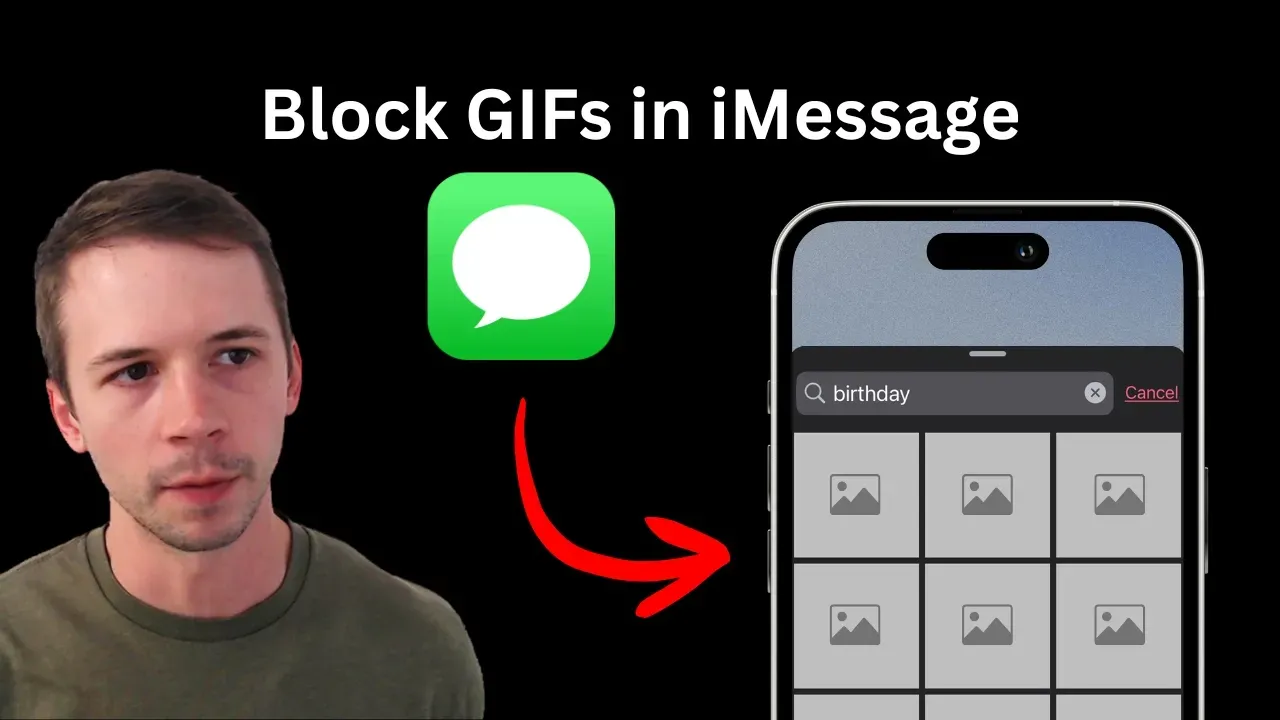
Normally, it's possible to open iMessage and access a searchable list of GIFs, like this:
However, as some adults and parents have pointed out, it is possible to find content that is just not appropriate for kids or even borderline explicit.
But there are a few effective options for ensuring inappropriate content isn't accessed from GIFs:
- Block images and media from displaying in the iMessage app completely.
- Use a screen accountability for iPhone to ensure inappropriate content isn't being searched for in iMessage GIF search.
Check out our YouTube for a more detailed breakdown:
Block Nudity in iMessage GIFs Automatically
If you’re using the LivingRoom for Families app to monitor a child or accountability partner's iPhone/iPad, the app automatically detects and blocks nudity in any app, including GIFs in iMessage.
I discuss this more in the YouTube video below:
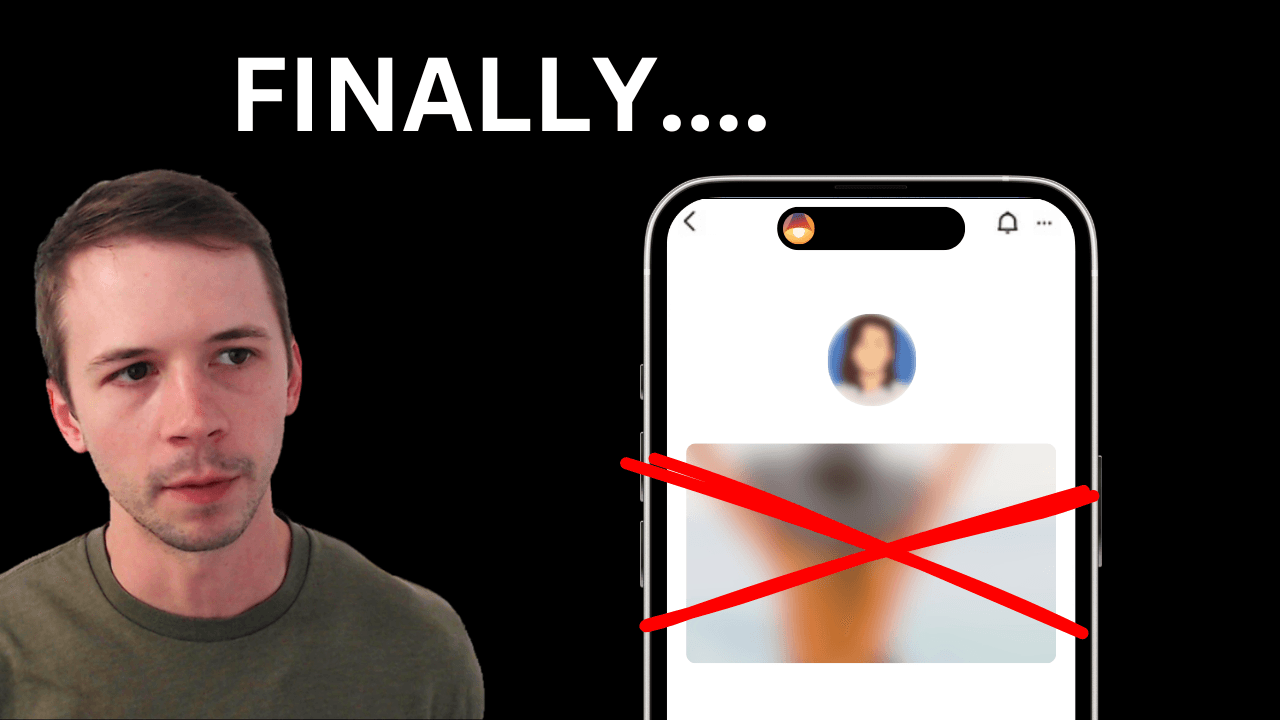
This ensures that if extremely inappropriate content is discovered while using iMessage GIFs, LivingRoom will quickly block the content.
Plus, parents and accountability partners can monitor all activity in the iMessages app, just in case by reviewing screenshots of iPhone activity in the LivingRoom parents dashboard:
Block iMessage GIFs on all Apple devices using a DNS Content Policy
Apple uses a specific web address to host and distribute GIFs to iPhones, iPads, and Mac computers. If you block these web addresses, GIFs can't be loaded by your devices, and iMessages will not be able to load GIF previews or search correctly.
When enabled on an iPhone, here's what this looks like:
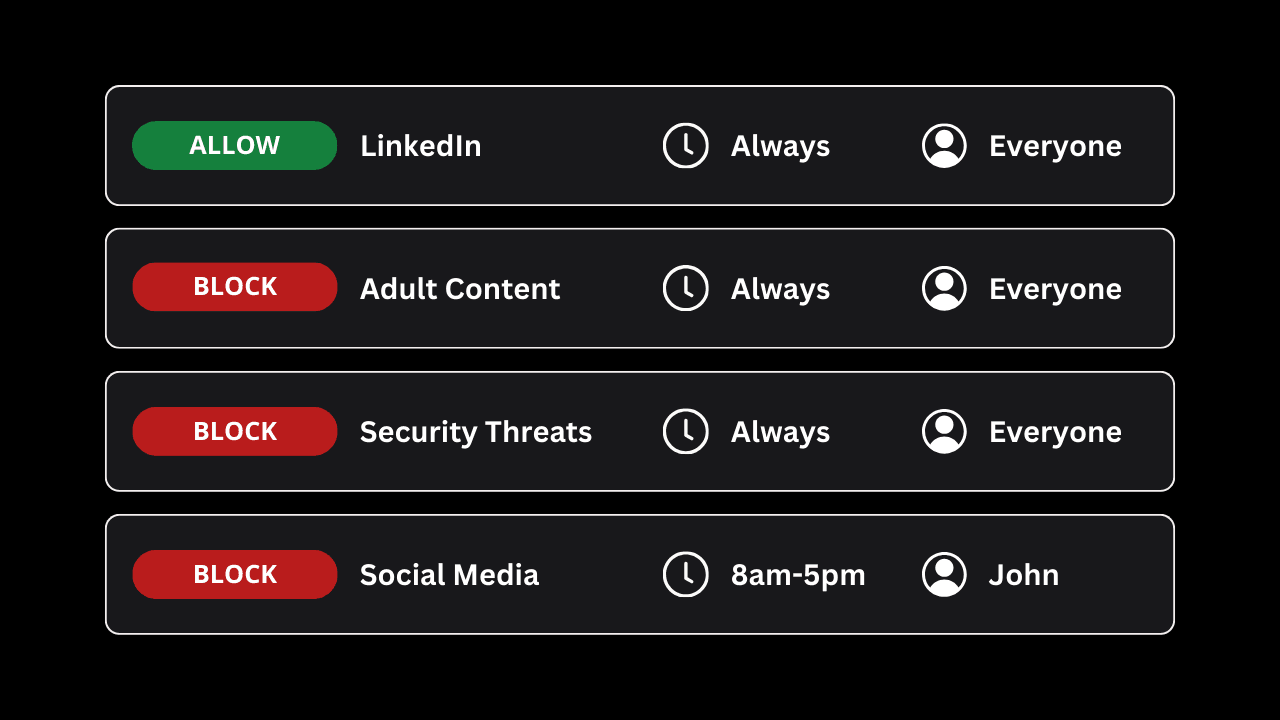
If you're using Tech Lockdown's DNS Content Policy , then you can block the required domains using our rule preset.
You can also block the domains manually:
tenor.co
cdn2.smoot.apple.com
giphy.com
These domains need to be blocked at the network level on your device, so adding these web addresses to Screen Time will not work. There are a few ways you can do this on iPhones and Mac computers consistently, but we recommend using a DNS Content Policy to reliably block domains using a filtered VPN.
Frequently Asked Questions
Can GIFs in iMessage be blocked on Mac computers?
Yes, the same web addresses can be blocked on Mac computers to hide GIFs in the Mac version of the iMessage app.
Note that, similar to an iPhone, adding the addresses to Screen Time may not work.
Can Apple's GIF domain be blocked using Screen Time?
Unfortunately, no. Screen Time can be used to block websites accessed through Safari and most other websites. It can't block domains used by other apps like iMessage. As a result, you couldn't block GIFs in iMessage by adding the domain to Screen Time's website blocklist.
Check out our comprehensive guide to blocking websites on iPhones for more blocking techniques and suggestions. See also our dedicated guide: Kids use these Apple Features to Bypass Screen Time .