

Prevent apps from being deleted on iPhone
How to Prevent Apps from Being Deleted on iPhones and iPads
It's possible to use multiple techniques to properly enforce an app so that it can't be deleted.


Parents and accountability partners can be very familiar with the shortcomings iPhones often pose with a blocking system, and one of the biggest gaps is the ability to delete any app, including apps that might be used to promote accountability or block content. It's one of those problems that you might only realize after going through the trouble of setting up an iPhone, but fortunately, depending on the kind of app you're trying to enforce, it's possible to prevent these kinds of apps from being deleted.
There are a variety of apps that parents or accountability partners might want to ensure remain enforced on an iPhone, including monitoring and accountability apps , or content filtering apps. Even adults who are setting up their own iPhones to block adult content might want the extra assurance of not being able to remove an app from their device.
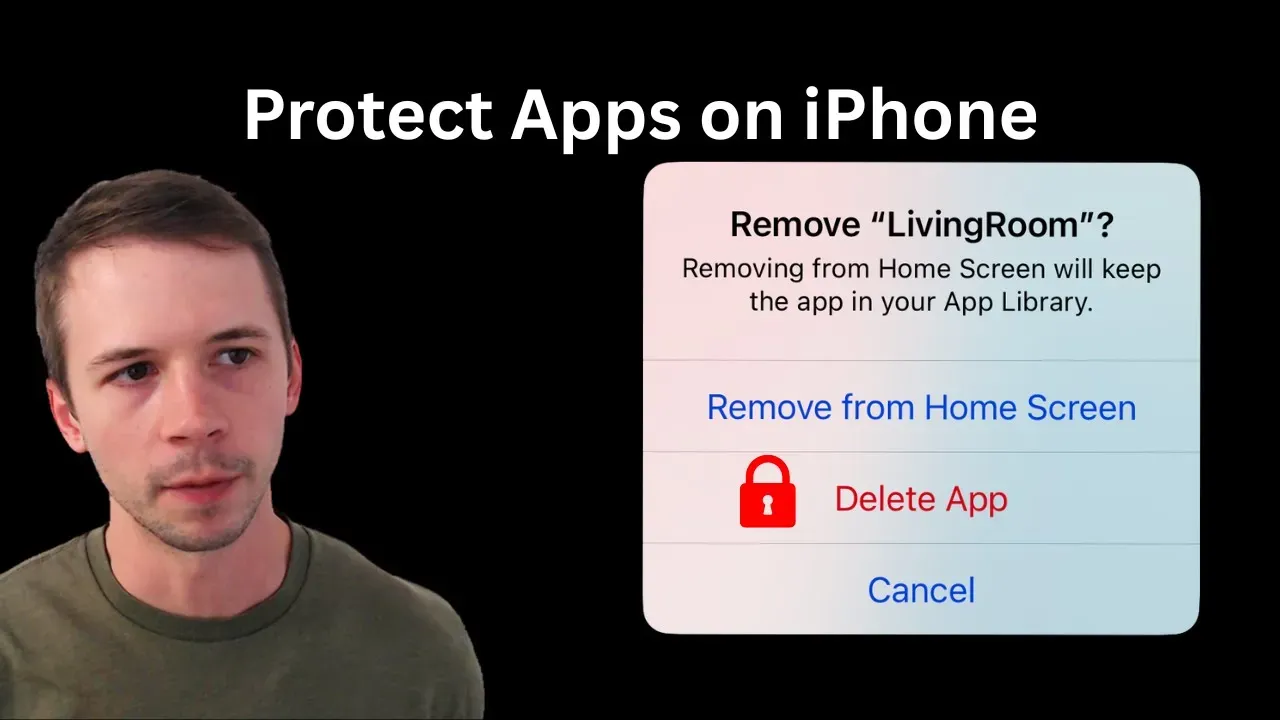
Check out our YouTube video for additional information:
Choosing an Approach to Prevent Apps from Being Deleted
First, it's important to narrow down the type of app being enforced, and from my own testing, it often comes down to whether the app requires Screen Time permissions. The easiest way to check is to go to Settings > Screen Time and look for an "Apps with Screen Time Access" section; if you see your app listed here, then it uses Screen Time permissions.
Next, it's important to know who this iPhone is being set up for: an adult or a child. Parents often have a much easier time setting up these kinds of restrictions on their child's iPhone if Apple Family has been set up. Adults often have to rely on Screen Time settings, and anyone who's used Screen Time before knows that it's too easy to disable this later unless you have an accountability partner to remember your unlock Passcode.
Lastly, you might need to go a step further to fully enforce an app if it blocks websites or monitors internet activity, so content filtering apps often fall into this category. These kinds of apps almost always use a VPN to fully manage network settings on your iPhone, and if this VPN is ever disabled, then the content filtering app might not work as intended. If you're an accountability partner, you might not realize that filtering was disabled at all until it's too late. This doesn't apply to all apps, so that's why we made a separate guide for enforcing VPNs on iPhones instead.
If the app you're trying to enforce is listed under Screen Time as an app that has "Screen Time Access", then it's much easier for parents and adults to protect this app from being deleted. Later in this guide, I'll recommend some other approaches if this isn't the case.
Protect Apps that Require Screen Time Access
You can protect apps with Screen Time access if your iPhone is up-to-date and you have an app that requires Screen Time permissions installed.
If an app requires Screen Time permissions, it usually requires Screen Time access to be disabled or revoked first. As an example, I've installed a screenshot-based monitoring app called LivingRoom for Families , and this app uses Screen Time permissions to prevent itself from being deleted.
So, in order to delete the app, the person using the iPhone needs to revoke Screen Time access and enter the Passcode that unlocks Screen Time on their iPhone. Apple recently had an update to Screen Time that now locks Screen Time behind either a passcode (if the iPhone is for an adult) or the parent's iCloud account (if the iPhone is for a child). Even if your iPhone can't update to version 26.4, you should double-check that it's updated to the latest version it can install because Apple usually changes Screen Time for all versions.
See our dedicated guide about how to protect apps with Screen Time access .
Protect Apps by Disabling the Ability to Delete Apps
Not all apps use Screen Time permissions, so you might need to consider additional strategies instead. Without Screen Time permissions, an app is unable to enforce itself without affecting the ability to delete other apps, so you need to remove the ability to delete apps entirely on the iPhone instead.
If the app you're trying to enforce relies on a VPN to block websites or apps, then it's important to note that the VPN profile the app installed on your iPhone can usually be removed or disabled. If that VPN is disabled, it usually bypasses filtering without the person using the iPhone needing to delete any apps at all.
In addition to protecting the app, we also strongly recommend enforcing the VPN on the iPhone . This is crucial for both parents and accountability partners.
The easiest way to prevent apps from being deleted is to go to Settings > Screen Time > Content & Privacy Restrictions > iTunes & App Store Purchases > Deleting Apps:
Then, you might lock this setting with a Screen Time passcode (Settings > Screen Time > Lock Screen Time Settings).
This approach works very well in family setups, where a parent is managing their child's Screen Time settings remotely. For adults, if you're able to ask an accountability partner to create and remember a Screen Time passcode, that can also work, although you'd need to give your iPhone to your partner each time Screen Time settings need to be adjusted.
If you're self-managing your own iPhone, then a more effective alternative to Screen Time is supervised mode. Using a tool like Tech Lockdown's Apple Config Generator , you can enable the same kinds of restrictions you might with Screen Time, although you have many more options to choose from, too. You might prevent apps from being deleted by turning off this ability in the Config Generator:
Then enable restrictions for your config so that you can't easily uninstall the config later:
After syncing the config to your iPhone, your iPhone would behave in the same way as Screen Time, and apps can't be uninstalled. If you ever do need to remove apps later, you actually need to either completely remove the Config File you generated or unlock your Tech Lockdown profile . In either case, it's significantly more difficult to disable and is a much better fit for adults who would normally have full control over their own device.
Frequently Asked Questions
How do I prevent apps from being deleted on an iPad?
The instructions in this guide will work for both iPhones and iPads.
If you're managing your child's device as a parent, you may need to ensure that the correct account is being used on an iPad.
How do I enable Supervised Mode?
We have made resources available to Tech Lockdown members for enabling Supervised Mode .
Can I Block apps instead of enforce them?
Instead of enforcing, you might actually want to block iPhone apps instead. For example, to effectively enforce adult content filtering on an iPhone or iPad, you would want to prevent conflicting apps from being added to the device.
It's possible to achieve some success with Screen Time, but supervised mode is a much more effective and powerful approach for adults.